
New open source AI self driving testing
Article URL: https://github.com/autonoma-ai/autonoma Comments URL: https://news.ycombinator.com/item?id=47616411 Points: 3 # Comments: 2
Agentic end-to-end testing platform. Create and run automated tests for web, iOS, and Android applications using natural language. Tests execute on real devices and browsers with AI-powered element detection, assertions, and self-healing.
Architecture
apps/ api/ Hono + tRPC API server (port 4000) ui/ Vite + React 19 SPA (port 3000) engine-web/ Playwright-based web test execution engine-mobile/ Appium-based mobile test execution (iOS + Android) docs/ Astro Starlight documentation site jobs/ Background jobs (reviewer, notifier, test-case-generator)apps/ api/ Hono + tRPC API server (port 4000) ui/ Vite + React 19 SPA (port 3000) engine-web/ Playwright-based web test execution engine-mobile/ Appium-based mobile test execution (iOS + Android) docs/ Astro Starlight documentation site jobs/ Background jobs (reviewer, notifier, test-case-generator)packages/ ai/ AI primitives - model registry, vision, point/object detection db/ Prisma schema + generated client (PostgreSQL) types/ Shared Zod schemas and TypeScript types engine/ Platform-agnostic execution agent core device-lock/ Redis-based distributed device locking blacklight/ Shared UI component library (Radix + Tailwind + CVA) try/ Go-style error handling (fx.runAsync, fx.run) storage/ S3 file storage logger/ Sentry-based logging analytics/ PostHog server-side analytics k8s/ Kubernetes helpers workflow/ Argo workflow builders utils/ Shared utilities`
Prerequisites
-
Node.js >= 24
-
pnpm 10.x (corepack enable to use the version pinned in package.json)
-
Docker (for PostgreSQL and Redis)
Setup
1. Clone the repository
git clone https://github.com/autonoma-ai/autonoma.git cd agentgit clone https://github.com/autonoma-ai/autonoma.git cd agent2. Install dependencies
pnpm install
3. Start infrastructure
PostgreSQL and Redis run via Docker Compose:
docker compose up -d
This starts:
-
PostgreSQL 18 on localhost:5432 (user: postgres, password: postgres)
-
Redis on localhost:6379
4. Configure environment variables
cp .env.example .env
Edit .env and fill in the required values. At minimum for local development you need:
Variable Description
DATABASE_URL
PostgreSQL connection string, e.g. postgresql://postgres:postgres@localhost:5432/autonoma
REDIS_URL
Redis connection string, e.g. redis://localhost:6379
BETTER_AUTH_SECRET
Any random string for session signing
GOOGLE_CLIENT_ID
Google OAuth client ID
GOOGLE_CLIENT_SECRET
Google OAuth client secret
GEMINI_API_KEY
Google Gemini API key (for AI features)
See .env.example for the full list of variables grouped by service.
5. Set up the database
Generate the Prisma client and run migrations:
pnpm db:generate pnpm db:migratepnpm db:generate pnpm db:migrate6. Start development servers
pnpm dev
This starts both the API server (port 4000) and UI (port 3000) concurrently.
To run them individually:
pnpm api # API only (port 4000) pnpm ui # UI only (port 3000)pnpm api # API only (port 4000) pnpm ui # UI only (port 3000)Commands
Command Description
pnpm dev
Start API + UI in development mode
pnpm build
Build all packages and apps
pnpm typecheck
Run TypeScript type checking across all packages
pnpm lint
Lint all packages
pnpm test
Run tests across all packages
pnpm format
Format code with Biome
pnpm check
Lint and format with Biome
pnpm db:generate
Generate Prisma client from schema
pnpm db:migrate
Run database migrations
pnpm docs
Start the documentation site (port 4321)
How it works
-
Users write tests in natural language - describe what to test (e.g. "Log in, navigate to settings, and verify the profile picture is visible")
-
The execution agent interprets the instructions - an AI agent loop takes a screenshot, decides which action to perform, executes it, and repeats until the test is complete
-
Actions run on real browsers/devices - Playwright drives web browsers, Appium drives iOS and Android devices
-
AI handles element detection - instead of CSS selectors or XPaths, the agent uses vision models to locate UI elements from natural language descriptions
-
Results include video recordings, screenshots, and step-by-step logs - every test run produces artifacts for debugging and review
Execution flow
Natural language test | Execution Agent (packages/engine) | Screenshot -> LLM decides action -> Execute command -> Record step | | Point detection (packages/ai) Platform drivers | | | Gemini / Moondream Playwright Appium (web) (mobile)Natural language test | Execution Agent (packages/engine) | Screenshot -> LLM decides action -> Execute command -> Record step | | Point detection (packages/ai) Platform drivers | | | Gemini / Moondream Playwright Appium (web) (mobile)Test format
Tests are defined as Markdown files with YAML frontmatter:
--- url: https://example.com ------ url: https://example.com ---Navigate to the login page, enter "[email protected]" and "password123", click Sign In, and assert the dashboard is visible.`
Tech stack
-
Runtime - Node.js 24, ESM-only
-
Monorepo - pnpm workspaces + Turborepo
-
Language - TypeScript (strictest configuration)
-
API - Hono + tRPC
-
Frontend - React 19 + Vite + TanStack Router
-
Database - PostgreSQL + Prisma
-
Cache/Locking - Redis
-
AI - Gemini, Groq, OpenRouter (via Vercel AI SDK)
-
Web Testing - Playwright
-
Mobile Testing - Appium
-
Styling - Tailwind CSS v4 + Radix UI
-
Observability - Sentry
-
Analytics - PostHog
-
Deployment - Kubernetes + Argo Workflows
Sign in to highlight and annotate this article

Conversation starters
Daily AI Digest
Get the top 5 AI stories delivered to your inbox every morning.
More about
open sourcegithub
Why I Use Claude Code for Everything
Most Claude users split their work across three products. Chat for conversations and questions. Code for development. Cowork for task management and desktop automation. Three interfaces, three separate memory systems, three places where your context gets fragmented. I stopped doing that. I run everything through Claude Code. One interface, one memory system, full control. Here is how and why. The Problem With Splitting Your Work When you use Chat for a planning conversation, then switch to Code for implementation, then use Cowork to manage tasks, each one starts from zero. Chat does not know what you discussed in Code. Code does not know what you planned in Chat. You re-explain context every time you switch. Even within each product, memory is limited. Chat has built-in memory but it is se

Built a zero allocation, header only C++ Qwen tokenizer that is nearly 20x faster than openai Tiktoken
I'm into HPC, and C++ static, zero allocation and zero dependancy software. I was studying BPE tokenizers, how do they work, so decided to build that project. I hardcoded qwen tokenizer for LLMs developers. I really know that whole Tokenization phase in llm inference is worth less than 2% of whole time, so practically negligible, but I just "love" to do that kind of programming, it's just an educational project for me to learn and build some intuition. Surprisingly after combining multiple different optimization techniques, it scored really high numbers in benchmarks. I thought it was a fluke at first, tried different tests, and so far it completely holds up. For a 12 threads Ryzen 5 3600 desktop CPU, 1 GB of English Text Corpus: - Mine Frokenizer: 1009 MB/s - OpenAI Tiktoken: ~ 50 MB/s Fo
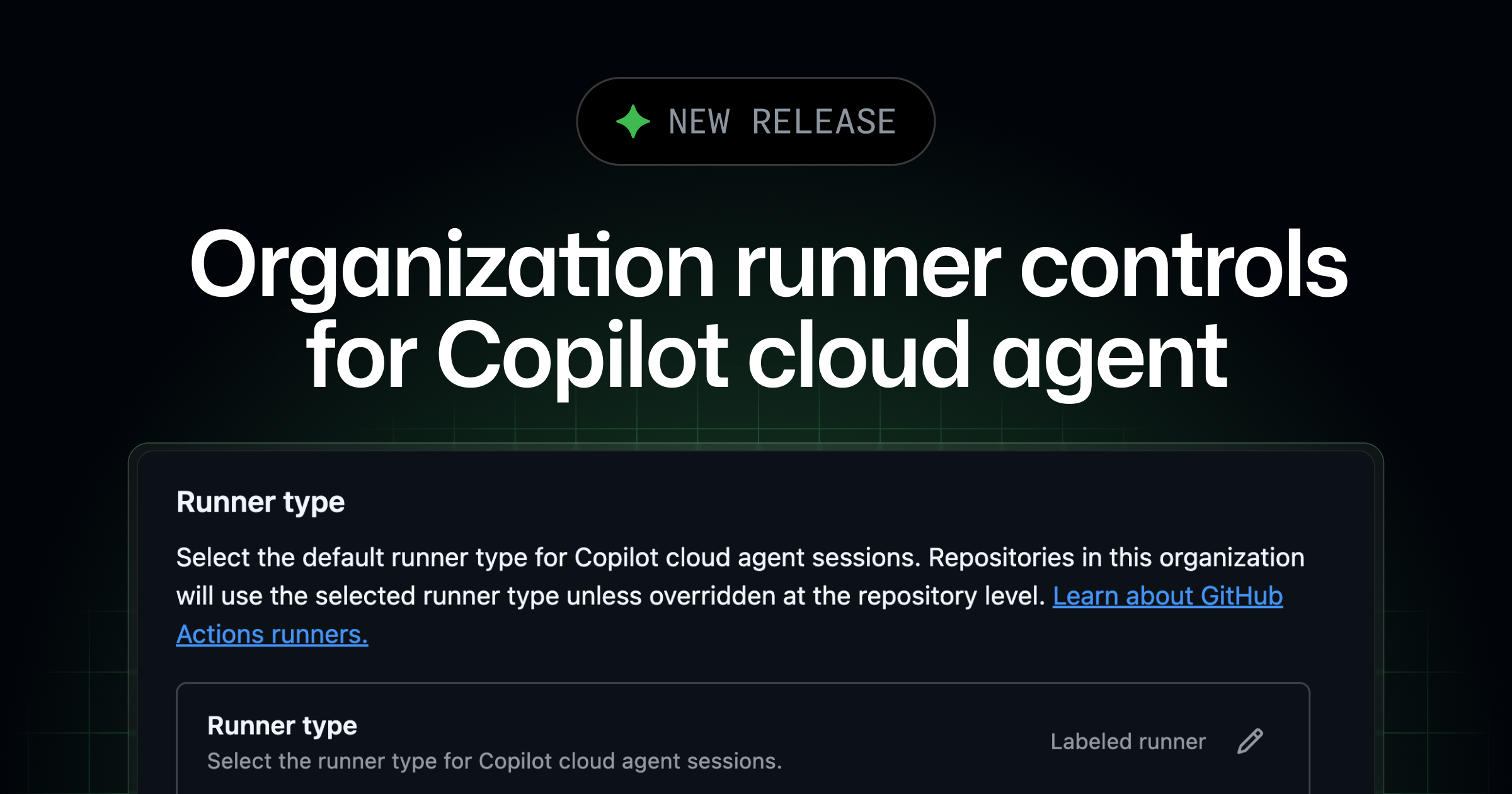
Organization runner controls for Copilot cloud agent
Each time Copilot cloud agent works on a task, it starts a new development environment powered by GitHub Actions. By default, this runs on a standard GitHub-hosted runner, but teams The post Organization runner controls for Copilot cloud agent appeared first on The GitHub Blog .
Knowledge Map
Connected Articles — Knowledge Graph
This article is connected to other articles through shared AI topics and tags.
More in Open Source AI

With hf cli, how do I resume an interrupted model download?
I have a slow internet and the download of a large file was interrupted 30GB in! I download using the ‘hf’ CLI command, like this: hf download unsloth/gemma-4-31B-it-GGUF gemma-4-31B-it-UD-Q8_K_XL.gguf When I ran it again, it started over instead of resuming, to my horror. How do I avoid redownloading a partial model next time? I don’t see a resume option in hf download –help 1 post - 1 participant Read full topic
Gemma 4 is great at real-time Japanese - English translation for games
When Gemma 3 27B QAT IT was released last year, it was SOTA for local real-time Japanese-English translation for visual novel for a while. So I want to see how Gemma 4 handle this use case. Model: Unsloth's gemma-4-26B-A4B-it-UD-Q5_K_M Context: 8192 Reasoning: OFF Softwares: Front end: Luna Translator Back end: LM Studio Workflow: Luna hooks the dialogue and speaker's name from the game. A Python script structures the hooked text (add name, gender). Luna sends the structured text and a system prompt to LM Studio Luna shows the translation. What Gemma 4 does great: Even with reasoning disabled, Gemma 4 follows instructions in system prompt very well. With structured text, gemma 4 deals with pronouns well. This is one of the biggest challenges because Japanese spoken dialogue often omit subj

Discussion
Sign in to join the discussion
No comments yet — be the first to share your thoughts!