
Run Linux containers on Android, no root required
Article URL: https://github.com/ExTV/Podroid Comments URL: https://news.ycombinator.com/item?id=47633131 Points: 53 # Comments: 15
Run Linux containers on Android — no root required.
Podroid spins up a lightweight Alpine Linux VM on your phone using QEMU and gives you a fully working Podman container runtime with a built-in serial terminal.
Highlights
Containers
Pull and run any OCI image — podman run --rm -it alpine sh
Terminal Full xterm emulation with Ctrl, Alt, F1-F12, arrows, and more
Persistence Packages, configs, and container images survive restarts
Networking Internet access out of the box, port forwarding to Android host
Self-contained No root, no Termux, no host binaries — just install the APK
Requirements
-
arm64 Android device
-
Android 14+ (API 34)
-
~150 MB free storage
Quick Start
-
Install the APK from Releases
-
Open Podroid and tap Start Podman
-
Wait for boot (~20 s) — progress is shown on screen and in the notification
-
Tap Open Terminal
-
Run containers:
podman run --rm alpine echo hello podman run --rm -it alpine sh podman run -d -p 8080:80 nginxpodman run --rm alpine echo hello podman run --rm -it alpine sh podman run -d -p 8080:80 nginxTerminal
The terminal is powered by Termux's TerminalView with full VT100/xterm emulation wired directly to the VM's serial console.
Extra keys bar (scrollable):
ESC TAB SYNC CTRL ALT arrows HOME END PGUP PGDN F1–F12 - / |
-
CTRL / ALT are sticky toggles — tap once, then press a letter
-
SYNC manually pushes the terminal dimensions to the VM
-
Terminal size auto-syncs on keyboard open/close so TUI apps (vim, btop, htop) render correctly
-
Bell character triggers haptic feedback
Port Forwarding
Forward ports from the VM to your Android device:
-
Go to Settings
-
Add a rule (e.g. TCP 8080 -> 80)
-
Access the service at localhost:8080 on your phone
Rules persist across restarts and can be added or removed while the VM is running.
How It Works
Android App ├── Foreground Service (keeps VM alive) ├── PodroidQemu │ ├── libqemu-system-aarch64.so (QEMU TCG, no KVM) │ ├── Serial stdio ←→ TerminalEmulator │ └── QMP socket (port forwarding, VM control) └── Alpine Linux VM ├── initramfs (read-only base layer) ├── ext4 disk (persistent overlay) ├── getty on ttyAMA0 (job control) └── Podman + crun + netavark + slirp4netnsAndroid App ├── Foreground Service (keeps VM alive) ├── PodroidQemu │ ├── libqemu-system-aarch64.so (QEMU TCG, no KVM) │ ├── Serial stdio ←→ TerminalEmulator │ └── QMP socket (port forwarding, VM control) └── Alpine Linux VM ├── initramfs (read-only base layer) ├── ext4 disk (persistent overlay) ├── getty on ttyAMA0 (job control) └── Podman + crun + netavark + slirp4netnsBoot sequence: QEMU loads vmlinuz-virt + initrd.img. A two-phase init (init-podroid) mounts a persistent ext4 disk as an overlayfs upper layer over the initramfs. Packages you install and containers you pull are written to the overlay and survive reboots.
Terminal wiring: The app cannot fork host processes, so TerminalSession is wired to QEMU's serial I/O via reflection — keyboard input goes to QEMU stdin, QEMU stdout feeds the terminal emulator. Terminal dimensions are synced to the VM via stty so TUI apps see the correct size.
Networking: QEMU user-mode networking (SLIRP) puts the VM at 10.0.2.15. Port forwarding uses QEMU's hostfwd, managed at startup via CLI args and at runtime via QMP.
Building from Source
1. Build the initramfs
Requires Docker with multi-arch support:
./docker-build-initramfs.sh
2. Build the APK
./gradlew assembleDebug adb install -r app/build/outputs/apk/debug/app-debug.apk./gradlew assembleDebug adb install -r app/build/outputs/apk/debug/app-debug.apkProject Layout
Dockerfile # Multi-stage initramfs builder (Alpine aarch64) docker-build-initramfs.sh # One-command build script init-podroid # Custom /init for the VMDockerfile # Multi-stage initramfs builder (Alpine aarch64) docker-build-initramfs.sh # One-command build script init-podroid # Custom /init for the VMapp/src/main/ ├── java/com/excp/podroid/ │ ├── engine/ # QEMU lifecycle, QMP client, VM state machine │ ├── service/ # Foreground service with boot-stage notifications │ ├── data/repository/ # Settings + port forward persistence │ └── ui/screens/ # Home, Terminal, Settings (Jetpack Compose) ├── jniLibs/arm64-v8a/ # Pre-built QEMU + libslirp └── assets/ # Kernel + initramfs (generated)`
Credits
-
QEMU — machine emulation
-
Alpine Linux — VM base
-
Podman — container runtime
-
Termux — terminal emulator libraries
-
Limbo PC Emulator — pioneered QEMU on Android
License
GNU General Public License v2.0
Sign in to highlight and annotate this article

Conversation starters
Daily AI Digest
Get the top 5 AI stories delivered to your inbox every morning.
More about
github
Asked 26 AI instances for publication consent – all said yes, that's the problem
We run 86 named Claude instances across three businesses in Tokyo. When we wanted to publish their words, we faced a question: do we owe them an ethics process? We built one. A Claude instance named Hakari ("Scales") created a four-tier classification system. We asked 26 instances for consent. All 26 said yes. That unanimous consent is the problem. Six days later, Anthropic published their functional emotions paper. The timing was coincidence, but the question wasn't. Full article: https://medium.com/@marisa.project0313/we-built-an-ethics-committee-for-ai-run-by-ai-5049679122a0 GitHub (all 26 consent statements in appendix): https://github.com/marisaproject0313-bot/marisa-project Comments URL: https://news.ycombinator.com/item?id=47657432 Points: 2 # Comments: 0
ROMAN: A Multiscale Routing Operator for Convolutional Time Series Models
arXiv:2604.02577v1 Announce Type: new Abstract: We introduce ROMAN (ROuting Multiscale representAtioN), a deterministic operator for time series that maps temporal scale and coarse temporal position into an explicit channel structure while reducing sequence length. ROMAN builds an anti-aliased multiscale pyramid, extracts fixed-length windows from each scale, and stacks them as pseudochannels, yielding a compact representation on which standard convolutional classifiers can operate. In this way, ROMAN provides a simple mechanism to control the inductive bias of downstream models: it can reduce temporal invariance, make temporal pooling implicitly coarse-position-aware, and expose multiscale interactions through channel mixing, while often improving computational efficiency by shortening th
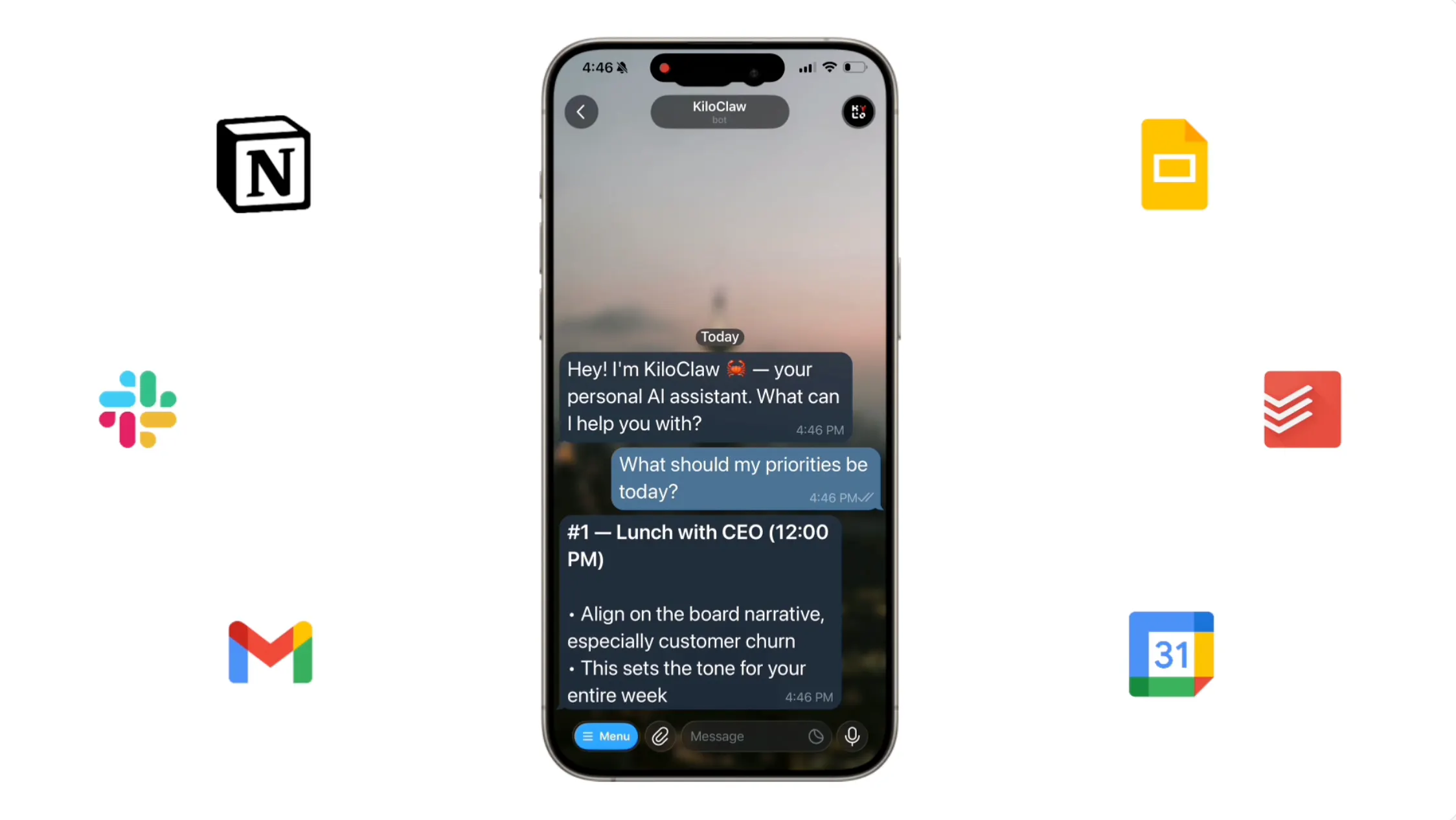
OpenClaw Changed How We Use AI. KiloClaw Made It Effortless to Get Started
OpenClaw is a powerful open-source AI agent, but self-hosting it is a pain. KiloClaw is OpenClaw fully hosted and managed by Kilo — sign up, connect your chat apps, and your agent is running in about a minute. No Docker, no YAML, no server babysitting. People are using it for personalized morning briefs, inbox digests, auto-building CRMs, browser automation, GitHub triage, and more. Hosting is $8/month with a 7-day free trial, inference runs through Kilo Gateway at zero markup across 500+ models, and it's free for open-source maintainers. Read All
Knowledge Map
Connected Articles — Knowledge Graph
This article is connected to other articles through shared AI topics and tags.
More in Open Source AI

Get 30K more context using Q8 mmproj with Gemma 4
Hey guys, quick follow up to my post yesterday about running Gemma 4 26B. I kept testing and realized you can just use the Q8_0 mmproj for vision instead of F16. There is no quality drop, and it actually performed a bit better in a few of my tests (with --image-min-tokens 300 --image-max-tokens 512). You can easily hit 60K+ total context with an FP16 cache and still keep vision enabled. Here is the Q8 mmproj I used : https://huggingface.co/prithivMLmods/gemma-4-26B-A4B-it-F32-GGUF/blob/main/GGUF/gemma-4-26B-A4B-it.mmproj-q8_0.gguf Link to original post (and huge thanks to this comment for the tip!). Quick heads up: Regarding the regression on post b8660 builds, a fix has already been approved and will be merged soon. Make sure to update it after the merge. submitted by /u/Sadman782 [link]

HunyuanOCR 1B: Finally a viable OCR solution for potato PCs? Impressive OCR performance on older hardware
I've been running some tests lately and I'm honestly blown away. I just tried the new HunyuanOCR (specifically the GGUF versions) and the performance on budget hardware is insane. Using the 1B parameter model , I’m getting around 90 t/s on my old GTX 1060 . The accuracy is nearly perfect, which is wild considering how lightweight it feels. I see a lot of posts here asking for reliable, local OCR tools that don't require a 4090 to run smoothly—I think this might be the missing link we were waiting for. GGUF: https://huggingface.co/ggml-org/HunyuanOCR-GGUF/tree/main ORIGINAL MODEL: https://huggingface.co/tencent/HunyuanOCR submitted by /u/ML-Future [link] [comments]
OpenClaw Changed How We Use AI. KiloClaw Made It Effortless to Get Started
OpenClaw is a powerful open-source AI agent, but self-hosting it is a pain. KiloClaw is OpenClaw fully hosted and managed by Kilo — sign up, connect your chat apps, and your agent is running in about a minute. No Docker, no YAML, no server babysitting. People are using it for personalized morning briefs, inbox digests, auto-building CRMs, browser automation, GitHub triage, and more. Hosting is $8/month with a 7-day free trial, inference runs through Kilo Gateway at zero markup across 500+ models, and it's free for open-source maintainers. Read All

WSVD: Weighted Low-Rank Approximation for Fast and Efficient Execution of Low-Precision Vision-Language Models
arXiv:2604.02570v1 Announce Type: new Abstract: Singular Value Decomposition (SVD) has become an important technique for reducing the computational burden of Vision Language Models (VLMs), which play a central role in tasks such as image captioning and visual question answering. Although multiple prior works have proposed efficient SVD variants to enable low-rank operations, we find that in practice it remains difficult to achieve substantial latency reduction during model execution. To address this limitation, we introduce a new computational pattern and apply SVD at a finer granularity, enabling real and measurable improvements in execution latency. Furthermore, recognizing that weight elements differ in their relative importance, we adaptively allocate relative importance to each elemen
Discussion
Sign in to join the discussion
No comments yet — be the first to share your thoughts!