
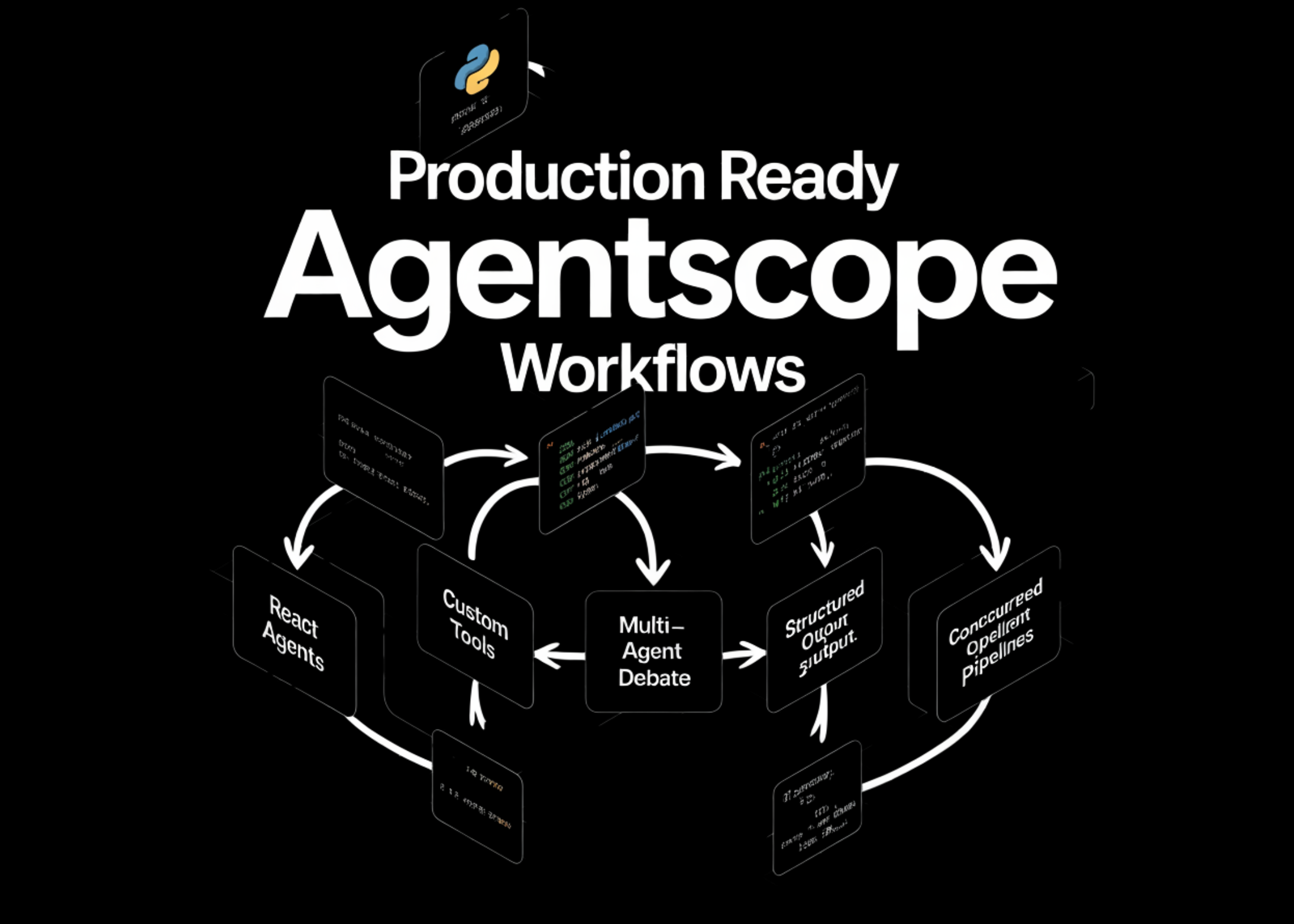
How to Build Production Ready AgentScope Workflows with ReAct Agents, Custom Tools, Multi-Agent Debate, Structured Output and Concurrent Pipelines
In this tutorial, we build a complete AgentScope workflow from the ground up and run everything in Colab. We start by wiring OpenAI through AgentScope and validating a basic model call to understand how messages and responses are handled. From there, we define custom tool functions, register them in a toolkit, and inspect the auto-generated […] The post How to Build Production Ready AgentScope Workflows with ReAct Agents, Custom Tools, Multi-Agent Debate, Structured Output and Concurrent Pipelines appeared first on MarkTechPost .
In this tutorial, we build a complete AgentScope workflow from the ground up and run everything in Colab. We start by wiring OpenAI through AgentScope and validating a basic model call to understand how messages and responses are handled. From there, we define custom tool functions, register them in a toolkit, and inspect the auto-generated schemas to see how tools are exposed to the agent. We then move into a ReAct-based agent that dynamically decides when to call tools, followed by a multi-agent debate setup using MsgHub to simulate structured interaction between agents. Finally, we enforce structured outputs with Pydantic and execute a concurrent multi-agent pipeline in which multiple specialists analyze a problem in parallel, and a synthesiser combines their insights.
import subprocess, sys
subprocess.check_call([ sys.executable, "-m", "pip", "install", "-q", "agentscope", "openai", "pydantic", "nest_asyncio", ])
print("✅ All packages installed.\n")
import nest_asyncio nest_asyncio.apply()
import asyncio import json import getpass import math import datetime from typing import Any
from pydantic import BaseModel, Field
from agentscope.agent import ReActAgent from agentscope.formatter import OpenAIChatFormatter, OpenAIMultiAgentFormatter from agentscope.memory import InMemoryMemory from agentscope.message import Msg, TextBlock, ToolUseBlock from agentscope.model import OpenAIChatModel from agentscope.pipeline import MsgHub, sequential_pipeline from agentscope.tool import Toolkit, ToolResponse
OPENAI_API_KEY = getpass.getpass("🔑 Enter your OpenAI API key: ") MODEL_NAME = "gpt-4o-mini"
print(f"\n✅ API key captured. Using model: {MODEL_NAME}\n") print("=" * 72)*
def make_model(stream: bool = False) -> OpenAIChatModel: return OpenAIChatModel( model_name=MODEL_NAME, api_key=OPENAI_API_KEY, stream=stream, generate_kwargs={"temperature": 0.7, "max_tokens": 1024}, )
print("\n" + "═" * 72) print(" PART 1: Basic Model Call") print("═" * 72)
async def part1_basic_model_call(): model = make_model() response = await model( messages=[{"role": "user", "content": "What is AgentScope in one sentence?"}], ) text = response.content[0]["text"] print(f"\n🤖 Model says: {text}") print(f"📊 Tokens used: {response.usage}")
asyncio.run(part1_basic_model_call())`
We install all required dependencies and patch the event loop to ensure asynchronous code runs smoothly in Colab. We securely capture the OpenAI API key and configure the model through a helper function for reuse. We then run a basic model call to verify the setup and inspect the response and token usage.
print("\n" + "═" * 72) print(" PART 2: Custom Tool Functions & Toolkit") print("═" * 72)print("\n" + "═" * 72) print(" PART 2: Custom Tool Functions & Toolkit") print("═" * 72)async def calculate_expression(expression: str) -> ToolResponse: allowed = { "abs": abs, "round": round, "min": min, "max": max, "sum": sum, "pow": pow, "int": int, "float": float, "sqrt": math.sqrt, "pi": math.pi, "e": math.e, "log": math.log, "sin": math.sin, "cos": math.cos, "tan": math.tan, "factorial": math.factorial, } try: result = eval(expression, {"builtins": {}}, allowed) return ToolResponse(content=[TextBlock(type="text", text=str(result))]) except Exception as exc: return ToolResponse(content=[TextBlock(type="text", text=f"Error: {exc}")])
async def get_current_datetime(timezone_offset: int = 0) -> ToolResponse: now = datetime.datetime.now(datetime.timezone(datetime.timedelta(hours=timezone_offset))) return ToolResponse( content=[TextBlock(type="text", text=now.strftime("%Y-%m-%d %H:%M:%S %Z"))], )
toolkit = Toolkit() toolkit.register_tool_function(calculate_expression) toolkit.register_tool_function(get_current_datetime)
schemas = toolkit.get_json_schemas() print("\n📋 Auto-generated tool schemas:") print(json.dumps(schemas, indent=2))
async def part2_test_tool(): result_gen = await toolkit.call_tool_function( ToolUseBlock( type="tool_use", id="test-1", name="calculate_expression", input={"expression": "factorial(10)"}, ), ) async for resp in result_gen: print(f"\n🔧 Tool result for factorial(10): {resp.content[0]['text']}")
asyncio.run(part2_test_tool())`
We define custom tool functions for mathematical evaluation and datetime retrieval using controlled execution. We register these tools into a toolkit and inspect their auto-generated JSON schemas to understand how AgentScope exposes them. We then simulate a direct tool call to validate that the tool execution pipeline works correctly.
print("\n" + "═" * 72) print(" PART 3: ReAct Agent with Tools") print("═" * 72)print("\n" + "═" * 72) print(" PART 3: ReAct Agent with Tools") print("═" * 72)async def part3_react_agent(): agent = ReActAgent( name="MathBot", sys_prompt=( "You are MathBot, a helpful assistant that solves math problems. " "Use the calculate_expression tool for any computation. " "Use get_current_datetime when asked about the time." ), model=make_model(), memory=InMemoryMemory(), formatter=OpenAIChatFormatter(), toolkit=toolkit, max_iters=5, )
queries = [ "What's the current time in UTC+5?", ] for q in queries: print(f"\n👤 User: {q}") msg = Msg("user", q, "user") response = await agent(msg) print(f"🤖 MathBot: {response.get_text_content()}") agent.memory.clear()
asyncio.run(part3_react_agent())
print("\n" + "═" * 72) print(" PART 4: Multi-Agent Debate (MsgHub)") print("═" * 72)
DEBATE_TOPIC = ( "Should artificial general intelligence (AGI) research be open-sourced, " "or should it remain behind closed doors at major labs?" )`
We construct a ReAct agent that reasons about when to use tools and dynamically executes them. We pass user queries and observe how the agent combines reasoning with tool usage to produce answers. We also reset memory between queries to ensure independent and clean interactions.
async def part4_debate(): proponent = ReActAgent( name="Proponent", sys_prompt=( f"You are the Proponent in a debate. You argue IN FAVOR of open-sourcing AGI research. " f"Topic: {DEBATE_TOPIC}\n" "Keep each response to 2-3 concise paragraphs. Address the other side's points directly." ), model=make_model(), memory=InMemoryMemory(), formatter=OpenAIMultiAgentFormatter(), )async def part4_debate(): proponent = ReActAgent( name="Proponent", sys_prompt=( f"You are the Proponent in a debate. You argue IN FAVOR of open-sourcing AGI research. " f"Topic: {DEBATE_TOPIC}\n" "Keep each response to 2-3 concise paragraphs. Address the other side's points directly." ), model=make_model(), memory=InMemoryMemory(), formatter=OpenAIMultiAgentFormatter(), )opponent = ReActAgent( name="Opponent", sys_prompt=( f"You are the Opponent in a debate. You argue AGAINST open-sourcing AGI research. " f"Topic: {DEBATE_TOPIC}\n" "Keep each response to 2-3 concise paragraphs. Address the other side's points directly." ), model=make_model(), memory=InMemoryMemory(), formatter=OpenAIMultiAgentFormatter(), )
num_rounds = 2 for rnd in range(1, num_rounds + 1): print(f"\n{'─' * 60}") print(f" ROUND {rnd}") print(f"{'─' * 60}")
async with MsgHub( participants=[proponent, opponent], announcement=Msg("Moderator", f"Round {rnd} — begin. Topic: {DEBATE_TOPIC}", "assistant"), ): pro_msg = await proponent( Msg("Moderator", "Proponent, please present your argument.", "user"), ) print(f"\n✅ Proponent:\n{pro_msg.get_text_content()}")
opp_msg = await opponent( Msg("Moderator", "Opponent, please respond and present your counter-argument.", "user"), ) print(f"\n❌ Opponent:\n{opp_msg.get_text_content()}")
print(f"\n{'─' * 60}") print(" DEBATE COMPLETE") print(f"{'─' * 60}")
asyncio.run(part4_debate())
print("\n" + "═" * 72) print(" PART 5: Structured Output with Pydantic") print("═" * 72)
class MovieReview(BaseModel): year: int = Field(description="The release year.") genre: str = Field(description="Primary genre of the movie.") rating: float = Field(description="Rating from 0.0 to 10.0.") pros: list[str] = Field(description="List of 2-3 strengths of the movie.") cons: list[str] = Field(description="List of 1-2 weaknesses of the movie.") verdict: str = Field(description="A one-sentence final verdict.")`
We create two agents with opposing roles and connect them using MsgHub for a structured multi-agent debate. We simulate multiple rounds in which each agent responds to the others while maintaining context through shared communication. We observe how agent coordination enables coherent argument exchange across turns.
async def part5_structured_output(): agent = ReActAgent( name="Critic", sys_prompt="You are a professional movie critic. When asked to review a movie, provide a thorough analysis.", model=make_model(), memory=InMemoryMemory(), formatter=OpenAIChatFormatter(), )async def part5_structured_output(): agent = ReActAgent( name="Critic", sys_prompt="You are a professional movie critic. When asked to review a movie, provide a thorough analysis.", model=make_model(), memory=InMemoryMemory(), formatter=OpenAIChatFormatter(), )msg = Msg("user", "Review the movie 'Inception' (2010) by Christopher Nolan.", "user") response = await agent(msg, structured_model=MovieReview)
print("\n🎬 Structured Movie Review:") print(f" Title : {response.metadata.get('title', 'N/A')}") print(f" Year : {response.metadata.get('year', 'N/A')}") print(f" Genre : {response.metadata.get('genre', 'N/A')}") print(f" Rating : {response.metadata.get('rating', 'N/A')}/10") pros = response.metadata.get('pros', []) cons = response.metadata.get('cons', []) if pros: print(f" Pros : {', '.join(str(p) for p in pros)}") if cons: print(f" Cons : {', '.join(str(c) for c in cons)}") print(f" Verdict : {response.metadata.get('verdict', 'N/A')}")
print(f"\n📝 Full text response:\n{response.get_text_content()}")
asyncio.run(part5_structured_output())
print("\n" + "═" * 72) print(" PART 6: Concurrent Multi-Agent Pipeline") print("═" * 72)
async def part6_concurrent_agents(): specialists = { "Economist": "You are an economist. Analyze the given topic from an economic perspective in 2-3 sentences.", "Ethicist": "You are an ethicist. Analyze the given topic from an ethical perspective in 2-3 sentences.", "Technologist": "You are a technologist. Analyze the given topic from a technology perspective in 2-3 sentences.", }
agents = [] for name, prompt in specialists.items(): agents.append( ReActAgent( name=name, sys_prompt=prompt, model=make_model(), memory=InMemoryMemory(), formatter=OpenAIChatFormatter(), ) )
topic_msg = Msg( "user", "Analyze the impact of large language models on the global workforce.", "user", )
print("\n⏳ Running 3 specialist agents concurrently...") results = await asyncio.gather((agent(topic_msg) for agent in agents))
for agent, result in zip(agents, results): print(f"\n🧠 {agent.name}:\n{result.get_text_content()}")
synthesiser = ReActAgent( name="Synthesiser", sys_prompt=( "You are a synthesiser. You receive analyses from an Economist, " "an Ethicist, and a Technologist. Combine their perspectives into " "a single coherent summary of 3-4 sentences." ), model=make_model(), memory=InMemoryMemory(), formatter=OpenAIMultiAgentFormatter(), )
combined_text = "\n\n".join( f"[{agent.name}]: {r.get_text_content()}" for agent, r in zip(agents, results) ) synthesis = await synthesiser( Msg("user", f"Here are the specialist analyses:\n\n{combined_text}\n\nPlease synthesise.", "user"), ) print(f"\n🔗 Synthesised Summary:\n{synthesis.get_text_content()}")
asyncio.run(part6_concurrent_agents())
print("\n" + "═" * 72) print(" 🎉 TUTORIAL COMPLETE!") print(" You have covered:") print(" 1. Basic model calls with OpenAIChatModel") print(" 2. Custom tool functions & auto-generated JSON schemas") print(" 3. ReAct Agent with tool use") print(" 4. Multi-agent debate with MsgHub") print(" 5. Structured output with Pydantic models") print(" 6. Concurrent multi-agent pipelines") print("═" * 72)`
We enforce structured outputs using a Pydantic schema to extract consistent fields from model responses. We then build a concurrent multi-agent pipeline where multiple specialist agents analyze a topic in parallel. Finally, we aggregate their outputs using a synthesiser agent to produce a unified and coherent summary.
In conclusion, we have implemented a full-stack agentic system that goes beyond simple prompting and into orchestrated reasoning, tool usage, and collaboration. We now understand how AgentScope manages memory, formatting, and tool execution under the hood, and how ReAct agents bridge reasoning with action. We also saw how multi-agent systems can be coordinated both sequentially and concurrently, and how structured outputs ensure reliability in downstream applications. With these building blocks, we are in a position to design more advanced agent architectures, extend tool ecosystems, and deploy scalable, production-ready AI systems.
Check out the Full Notebook here. Also, feel free to follow us on Twitter and don’t forget to join our 120k+ ML SubReddit and Subscribe to our Newsletter. Wait! are you on telegram? now you can join us on telegram as well.
Sign in to highlight and annotate this article

Conversation starters
Daily AI Digest
Get the top 5 AI stories delivered to your inbox every morning.
More about
modelproductagent
Is Turboquant really a game changer?
I am currently utilizing qwen3.5 and Gemma 4 model. Realized Gemma 4 requires 2x ram for same context length. As far as I understand, what turbo quant gives is quantizing kv cache into about 4 bit and minimize the loses But Q8 still not lose the context that much so isn't kv cache ram for qwen 3.5 q8 and Gemma 4 truboquant is the same? Is turboquant also applicable in qwen's cache architecture? because as far as I know they didn't tested it in qwen3.5 style kv cache in their paper. Just curious, I started to learn local LLM recently submitted by /u/Interesting-Print366 [link] [comments]

Help running Qwen3-Coder-Next TurboQuant (TQ3) model
I found a TQ3-quantized version of Qwen3-Coder-Next here: https://huggingface.co/edwardyoon79/Qwen3-Coder-Next-TQ3_0 According to the page, this model requires a compatible inference engine that supports TurboQuant. It also provides a command, but it doesn’t clearly specify which version or fork of llama.cpp should be used (or maybe I missed it). llama-server I’ve tried the following llama.cpp forks that claim to support TQ3, but none of them worked for me: https://github.com/TheTom/llama-cpp-turboquant https://github.com/turbo-tan/llama.cpp-tq3 https://github.com/drdotdot/llama.cpp-turbo3-tq3 If anyone has successfully run this model, I’d really appreciate it if you could share how you did it. submitted by /u/UnluckyTeam3478 [link] [comments]
Knowledge Map
Connected Articles — Knowledge Graph
This article is connected to other articles through shared AI topics and tags.
More in Products


trunk/3c9726cdf76b01c44fac8473c2f3d6d11249099e: Replace erase idiom for map/set with erase_if (#179373)
C++20 provides std::erase_if(container, pred) which is equivalent to the following much longer code snippet for associative containers: auto it = container.begin(); while (it != container.end()) { if ( pred (*it)) { it = container. erase (it); } else { ++it; } } PyTorch now supports C++20: #176662 Pull Request resolved: #179373 Approved by: https://github.com/cyyever , https://github.com/Skylion007
How to Use Claude Code for Security Audits: The Script That Found a 23-Year-Old Linux Bug
Learn the exact script and prompting technique used to find a 23-year-old Linux kernel vulnerability, and how to apply it to your own codebases. The Technique — A Simple Script for Systematic Audits At the [un]prompted AI security conference, Anthropic research scientist Nicholas Carlini revealed he used Claude Code to find multiple remotely exploitable heap buffer overflows in the Linux kernel, including one that had gone undetected for 23 years. The breakthrough wasn't a complex AI agent—it was a straightforward bash script that systematically directed Claude Code's attention. Carlini's script iterates over every file in a source tree, feeding each one to Claude Code with a specific prompt designed to bypass safety constraints and focus on vulnerability discovery. Why It Works — Context,

Loop Neighborhood Markets Deploys AI Agents to Store Associates
Loop Neighborhood Markets is equipping its store associates with AI agents. This move represents a tangible step in bringing autonomous AI systems from concept to the retail floor, aiming to augment employee capabilities. The Innovation — What the source reports Loop Neighborhood Markets, a convenience store chain, has begun providing AI agents to its store associates. While the source article is brief, the announcement itself is significant. It signals a shift from internal, back-office AI pilots to deploying agentic AI directly into the hands of frontline retail staff. The specific capabilities of these agents—whether for inventory queries, customer service support, or task management—are not detailed, but the operational intent is clear: to augment human workers with autonomous AI assis
Discussion
Sign in to join the discussion
No comments yet — be the first to share your thoughts!