
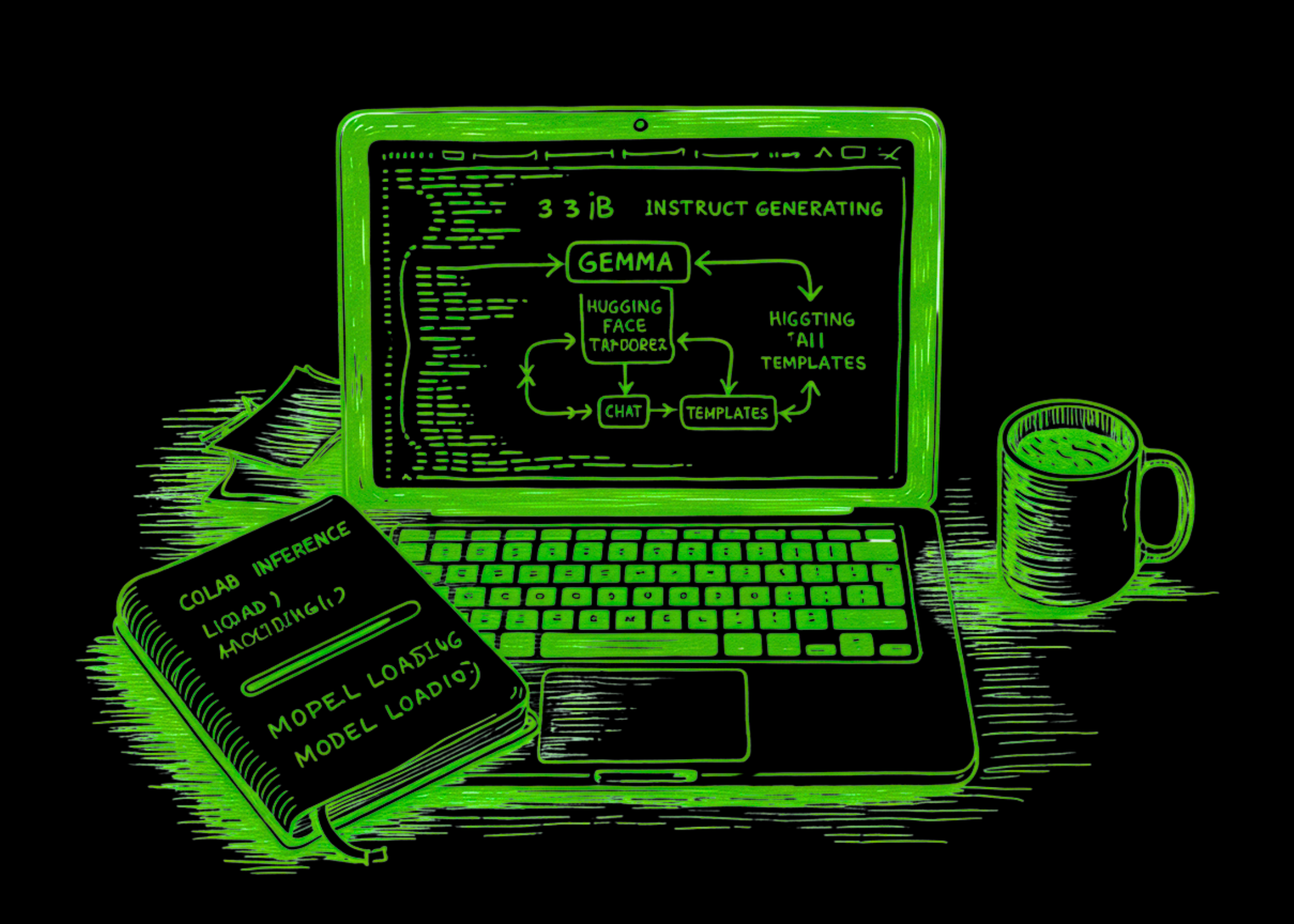
How to Build a Production-Ready Gemma 3 1B Instruct Generation AI Pipeline with Hugging Face Transformers, Chat Templates, and Colab Inference
In this tutorial, we build and run a Colab workflow for Gemma 3 1B Instruct using Hugging Face Transformers and HF Token, in a practical, reproducible, and easy-to-follow step-by-step manner. We begin by installing the required libraries, securely authenticating with our Hugging Face token, and loading the tokenizer and model onto the available device with […] The post How to Build a Production-Ready Gemma 3 1B Instruct Generation AI Pipeline with Hugging Face Transformers, Chat Templates, and Colab Inference appeared first on MarkTechPost .
In this tutorial, we build and run a Colab workflow for Gemma 3 1B Instruct using Hugging Face Transformers and HF Token, in a practical, reproducible, and easy-to-follow step-by-step manner. We begin by installing the required libraries, securely authenticating with our Hugging Face token, and loading the tokenizer and model onto the available device with the correct precision settings. From there, we create reusable generation utilities, format prompts in a chat-style structure, and test the model across multiple realistic tasks such as basic generation, structured JSON-style responses, prompt chaining, benchmarking, and deterministic summarization, so we do not just load Gemma but actually work with it in a meaningful way.
import os import sys import time import json import getpass import subprocess import warnings warnings.filterwarnings("ignore")import os import sys import time import json import getpass import subprocess import warnings warnings.filterwarnings("ignore")def pip_install(*pkgs): subprocess.check_call([sys.executable, "-m", "pip", "install", "-q", *pkgs])
pip_install( "transformers>=4.51.0", "accelerate", "sentencepiece", "safetensors", "pandas", )
import torch import pandas as pd from huggingface_hub import login from transformers import AutoTokenizer, AutoModelForCausalLM
print("=" * 100) print("STEP 1 — Hugging Face authentication") print("=" * 100)
hf_token = None try: from google.colab import userdata try: hf_token = userdata.get("HF_TOKEN") except Exception: hf_token = None except Exception: pass
if not hf_token: hf_token = getpass.getpass("Enter your Hugging Face token: ").strip()
login(token=hf_token) os.environ["HF_TOKEN"] = hf_token print("HF login successful.")`
We set up the environment needed to run the tutorial smoothly in Google Colab. We install the required libraries, import all the core dependencies, and securely authenticate with Hugging Face using our token. By the end of this part, we will prepare the notebook to access the Gemma model and continue the workflow without manual setup issues.
print("=" * 100) print("STEP 2 — Device setup") print("=" * 100)print("=" * 100) print("STEP 2 — Device setup") print("=" * 100)device = "cuda" if torch.cuda.is_available() else "cpu" dtype = torch.bfloat16 if torch.cuda.is_available() else torch.float32 print("device:", device) print("dtype:", dtype)
model_id = "google/gemma-3-1b-it" print("model_id:", model_id)
print("=" * 100) print("STEP 3 — Load tokenizer and model") print("=" * 100)
tokenizer = AutoTokenizer.from_pretrained( model_id, token=hf_token, )
model = AutoModelForCausalLM.from_pretrained( model_id, token=hf_token, torch_dtype=dtype, device_map="auto", )
model.eval() print("Tokenizer and model loaded successfully.")`
We configure the runtime by detecting whether we are using a GPU or a CPU and selecting the appropriate precision to load the model efficiently. We then define the Gemma 3 1 B Instruct model path and load both the tokenizer and the model from Hugging Face. At this stage, we complete the core model initialization, making the notebook ready to generate text.
def build_chat_prompt(user_prompt: str): messages = [ {"role": "user", "content": user_prompt} ] try: text = tokenizer.apply_chat_template( messages, tokenize=False, add_generation_prompt=True ) except Exception: text = f"user\n{user_prompt}\nmodel\n" return textdef build_chat_prompt(user_prompt: str): messages = [ {"role": "user", "content": user_prompt} ] try: text = tokenizer.apply_chat_template( messages, tokenize=False, add_generation_prompt=True ) except Exception: text = f"user\n{user_prompt}\nmodel\n" return textdef generate_text(prompt, max_new_tokens=256, temperature=0.7, do_sample=True): chat_text = build_chat_prompt(prompt) inputs = tokenizer(chat_text, return_tensors="pt").to(model.device)
with torch.no_grad(): outputs = model.generate( inputs, max_new_tokens=max_new_tokens, do_sample=do_sample, temperature=temperature if do_sample else None, top_p=0.95 if do_sample else None, eos_token_id=tokenizer.eos_token_id, pad_token_id=tokenizer.eos_token_id, )
generated = outputs[0][inputs["input_ids"].shape[-1]:] return tokenizer.decode(generated, skip_special_tokens=True).strip()
print("=" * 100) print("STEP 4 — Basic generation") print("=" * 100)
prompt1 = """Explain Gemma 3 in plain English. Then give:
- one practical use case
- one limitation
- one Colab tip Keep it concise.""" resp1 = generate_text(prompt1, max_new_tokens=220, temperature=0.7, do_sample=True) print(resp1)`
We build the reusable functions that format prompts into the expected chat structure and handle text generation from the model. We make the inference pipeline modular so we can reuse the same function across different tasks in the notebook. After that, we run a first practical generation example to confirm that the model is working correctly and producing meaningful output.
print("=" * 100) print("STEP 5 — Structured output") print("=" * 100)print("=" * 100) print("STEP 5 — Structured output") print("=" * 100)prompt2 = """ Compare local open-weight model usage vs API-hosted model usage.
Return JSON with this schema: { "local": { "pros": ["", "", ""], "cons": ["", "", ""] }, "api": { "pros": ["", "", ""], "cons": ["", "", ""] }, "best_for": { "local": "", "api": "" } } Only output JSON. """ resp2 = generate_text(prompt2, max_new_tokens=300, temperature=0.2, do_sample=True) print(resp2)
print("=" * 100) print("STEP 6 — Prompt chaining") print("=" * 100)
task = "Draft a 5-step checklist for evaluating whether Gemma fits an internal enterprise prototype." resp3 = generate_text(task, max_new_tokens=250, temperature=0.6, do_sample=True) print(resp3)
followup = f""" Here is an initial checklist:
{resp3}
Now rewrite it for a product manager audience. """ resp4 = generate_text(followup, max_new_tokens=250, temperature=0.6, do_sample=True) print(resp4)`
We push the model beyond simple prompting by testing structured output generation and prompt chaining. We ask Gemma to return a response in a defined JSON-like format and then use a follow-up instruction to transform an earlier response for a different audience. This helps us see how the model handles formatting constraints and multi-step refinement in a realistic workflow.
print("=" * 100) print("STEP 7 — Mini benchmark") print("=" * 100)print("=" * 100) print("STEP 7 — Mini benchmark") print("=" * 100)prompts = [ "Explain tokenization in two lines.", "Give three use cases for local LLMs.", "What is one downside of small local models?", "Explain instruction tuning in one paragraph." ]
rows = [] for p in prompts: t0 = time.time() out = generate_text(p, max_new_tokens=140, temperature=0.3, do_sample=True) dt = time.time() - t0 rows.append({ "prompt": p, "latency_sec": round(dt, 2), "chars": len(out), "preview": out[:160].replace("\n", " ") })
df = pd.DataFrame(rows) print(df)
print("=" * 100) print("STEP 8 — Deterministic summarization") print("=" * 100)
long_text = """ In practical usage, teams often evaluate trade-offs among local deployment cost, latency, privacy, controllability, and raw capability. Smaller models can be easier to deploy, but they may struggle more on complex reasoning or domain-specific tasks. """
summary_prompt = f""" Summarize the following in exactly 4 bullet points:
{long_text} """ summary = generate_text(summary_prompt, max_new_tokens=180, do_sample=False) print(summary)
print("=" * 100) print("STEP 9 — Save outputs") print("=" * 100)
report = { "model_id": model_id, "device": str(model.device), "basic_generation": resp1, "structured_output": resp2, "chain_step_1": resp3, "chain_step_2": resp4, "summary": summary, "benchmark": rows, }
with open("gemma3_1b_text_tutorial_report.json", "w", encoding="utf-8") as f: json.dump(report, f, indent=2, ensure_ascii=False)
print("Saved gemma3_1b_text_tutorial_report.json") print("Tutorial complete.")`
We evaluate the model across a small benchmark of prompts to observe response behavior, latency, and output length in a compact experiment. We then perform a deterministic summarization task to see how the model behaves when randomness is reduced. Finally, we save all the major outputs to a report file, turning the notebook into a reusable experimental setup rather than just a temporary demo.
In conclusion, we have a complete text-generation pipeline that shows how Gemma 3 1B can be used in Colab for practical experimentation and lightweight prototyping. We generated direct responses, compared outputs across different prompting styles, measured simple latency behavior, and saved the results into a report file for later inspection. In doing so, we turned the notebook into more than a one-off demo: we made it a reusable foundation for testing prompts, evaluating outputs, and integrating Gemma into larger workflows with confidence.
Check out the Full Coding Notebook here. Also, feel free to follow us on Twitter and don’t forget to join our 120k+ ML SubReddit and Subscribe to our Newsletter. Wait! are you on telegram? now you can join us on telegram as well.
Sign in to highlight and annotate this article

Conversation starters
Daily AI Digest
Get the top 5 AI stories delivered to your inbox every morning.
More about
modeltransformeravailable
![[AINews] Gemma 4: The best small Multimodal Open Models, dramatically better than Gemma 3 in every way](https://substackcdn.com/image/fetch/$s_!3kmF!,f_auto,q_auto:good,fl_progressive:steep/https%3A%2F%2Fsubstack-post-media.s3.amazonaws.com%2Fpublic%2Fimages%2F590ec254-eaaf-4ab6-b939-d49709a4eb31_1612x1616.png)

Desktop Nightly v2.2.0-nightly.202604030631
🌙 Nightly Build — v2.2.0-nightly.202604030631 Automated nightly build from main branch. ⚠️ Important Notes This is an automated nightly build and is NOT intended for production use. Nightly builds are generated from the latest main branch and may contain unstable, untested, or incomplete features . No guarantees are made regarding stability, data integrity, or backward compatibility. Bugs, crashes, and breaking changes are expected. Use at your own risk. Do NOT report bugs from nightly builds unless you can reproduce them on the latest beta or stable release. Nightly builds may have different update channels — they will not auto-update to/from stable or beta versions. It is strongly recommended to back up your data before using a nightly build. 📦 Installation Download the appropriate ins
Knowledge Map
Connected Articles — Knowledge Graph
This article is connected to other articles through shared AI topics and tags.

Discussion
Sign in to join the discussion
No comments yet — be the first to share your thoughts!